Robot Vacuum Burning Smell: Stop Use and Charging
Short answer
Stop cleaning and charging if the robot smells burnt or shows abnormal heat, smoke or damage. Do not restart it after an arbitrary cooling interval. Keep away from an active hazard and arrange appropriate assistance.
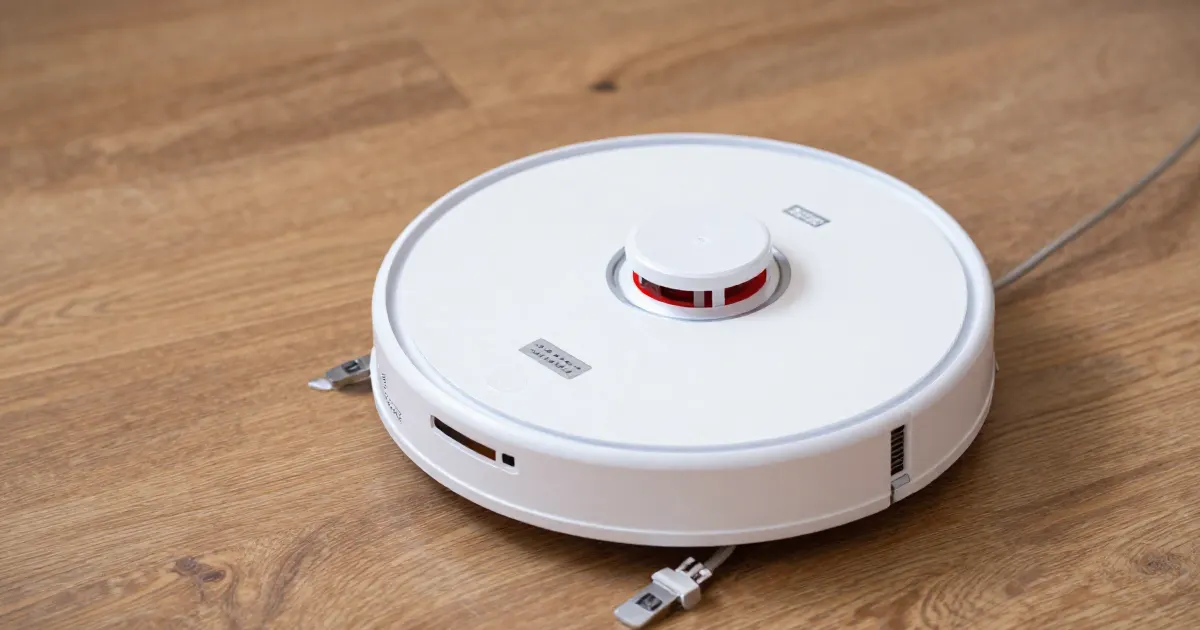
Stop use first, then check only what you can see
A burning smell from a robot vacuum is a stop-use symptom. Stop the cleaning run if you can do so safely, and do not restart or recharge the robot to see whether the smell returns. If it is charging, disconnect power only if you can do so safely; do not pick up or move a robot that presents an active hazard. The sources below discuss brush debris, damaged charging equipment and battery warnings. These observations do not establish the cause of a burning smell.
- Debris wrapped around a brush. This is the easiest to see, and only once the robot is cool and unplugged. The iRobot Roomba 600 maintenance article warns that excessive hair build-up can permanently damage the robot, and it tells owners to remove the brushes and inspect the brush bearings regularly. That article is about wear and damage, not odor, so a tangle you find does not prove it caused the smell. For brush-specific symptoms, see the brush not spinning guide.
- A damaged cord, plug or charging dock. The ECOVACS DEEBOT manual says: “Do not use the Charging Dock if it is damaged.” Look for visible fraying, melting or discoloration on the cord, plug and dock housing.
- A battery fault. The same ECOVACS manual warns: “Damaged or modified batteries may exhibit unpredictable behavior resulting in fire, explosion or risk of injury.” The Roborock Q5+ manual lists “Error 14: Battery error.” An owner cannot confirm an internal battery fault safely, so a suspected battery fault needs a service assessment.
If there is smoke, fire, swelling, leaking material or rapidly rising heat, move away and call emergency services. Do not pick up, carry or dismantle a robot that presents an active hazard. Cut the power only if you can do so safely.
What the manuals say about heat and batteries
Each manufacturer addresses heat and batteries in its own terms. These are the statements that bear on a burning smell.
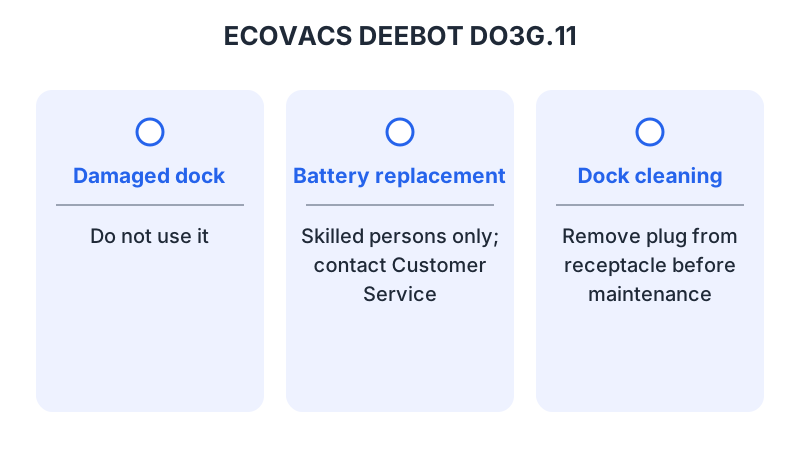
ECOVACS tells owners not to use the robot or dock “if it is not working properly, has been dropped, damaged, left outdoors, or come in contact with water.” It says such an appliance “must be repaired by the manufacturer or its service agent in order to avoid a hazard.” The same manual says: “Do not incinerate the Appliance even if it is severely damaged. The batteries can explode in a fire.”
Roborock says: “Do not dismantle, repair or modify the battery or charging dock.” It also says to keep the dock “away from heat (such as radiators).” Its Q5+ manual also says the robot should be used only where the battery temperature is within 4 to 40°C (39 to 104°F).
eufy says: “Do not expose the electronics of this device, its battery, or the integrated Charging Base. There are no user-serviceable parts inside.” Its manual also says: “Do not use this device to pick up anything that is burning or smoking.”
What changes by model
The table summarizes model-specific statements from manuals and support articles about maintenance, batteries, heat or service. Each row links to its source.
| Model | Manufacturer guidance | Source |
|---|---|---|
| Roborock Q5+ (Q340RR) | Do not dismantle, repair or modify the battery or charging dock. Keep the dock away from heat. Do not use the product above 40°C or below 4°C. Error 14 is “Battery error.” | Roborock Q5+ manual |
| iRobot Roomba 600 series | Excessive hair build-up can permanently damage the robot. Remove the brushes and inspect the brush bearings regularly. Do not run the robot without its bearings. | iRobot Roomba 600 maintenance |
| ECOVACS DEEBOT DO3G.11 | Batteries are replaceable only by skilled persons; contact Customer Service to remove one. Charge only above 0°C and below 40°C. A damaged or dropped robot or dock must be repaired by the manufacturer or its service agent. | ECOVACS DEEBOT manual |
| eufy RoboVac 30 (T2116) | No user-serviceable parts inside the device, its battery or the Charging Base. Store and operate only at room temperature. Do not use it to pick up anything burning or smoking. | eufy RoboVac 30 manual |
| Samsung Jet Bot (model not specified) | Unplug the docking station and clean the charging pins on both the dock and the Jet Bot with a dry cloth. If the Jet Bot still will not charge, request service through Samsung Support. | Samsung Jet Bot troubleshooting |
iRobot Roomba
The Roomba 600 article covers brush care and bearings. It says hair can be pulled off the bristle brush with the cleaning tool supplied, and that hair or debris should be cleaned out of the yellow brush bearings. It also warns against running the robot without its bearings. Its scope is brush care, so it supports brush inspection rather than battery or heat diagnosis.
Roborock
The Q5+ manual’s error section includes a general line for every error: “If the battery is at an abnormal temperature, wait for it to return to normal before use.” That line sits in a list of steps for any error, so it is not a smell-specific procedure. Read it together with the temperature range above. A battery warning from the robot is a reason to stop, not a cue to restart after a set time.
ECOVACS DEEBOT
The ECOVACS manual gives the most detailed battery and dock warnings in this set. It says the plug must be removed from the receptacle before cleaning or maintaining the Charging Dock. It also warns that a battery pack or appliance that is damaged or modified must not be used. Keep the robot out of service and follow the repair route the manual names.
eufy RoboVac
The eufy manual places the battery and the integrated Charging Base inside the electronics warning. It also says to store and operate the device at room temperature only. For a base whose indicator does not light, the manual says to contact the eufy service center “to repair or replace the Charging Base.”
Samsung Jet Bot
The Samsung page addresses a Jet Bot that will not charge, without specifying a model number or identifying it as a Combo. It includes turning off the robot, unplugging the dock and cleaning the charging pins with a dry cloth. Its full charging procedure also includes reconnecting power and retrying charging before requesting service; those retry steps do not address a burning smell.
Inspection has limits
Only after the robot is cool and isolated as its manual directs should you look at accessible external parts. Photograph visible damage, trapped material or a damaged cord without opening sealed assemblies. Do not touch melted insulation, leaking cells or scorched connectors. Do not open the battery: the ECOVACS manual reserves battery work to skilled persons, and the eufy manual says there are no user-serviceable parts inside.
A tangle around a brush may be worth clearing, but finding one does not show that it caused the smell or that removing it makes the robot safe.
What to give support
Give the robot and dock model numbers, the purchase details, the operating state when the smell appeared (charging or cleaning), the exact error message, and photographs of visible damage. Say whether liquid or hot material was collected, and whether a replacement battery or a third-party charger was fitted.
Ask whether inspection or replacement is required before the robot is used again. A burning smell is not the same as the ordinary dust or damp-pad odor described in robot vacuum smells bad. Describe the smell you noticed, not the one you expect. For routine cleaning once safe use is established, see the robot vacuum cleaning guide. For a robot that overheats and cuts out with no smell, see vacuum overheating.
Frequently asked questions
Can I let the robot cool and use it again?
Not on the strength of a burning smell alone. The Roborock manual says that if the battery is at an abnormal temperature, you should wait for it to return to normal before use. The ECOVACS manual says a damaged or dropped appliance must be repaired by the manufacturer or its service agent. Cooling alone does not establish that a robot with a burning smell is safe; keep it out of service until support has assessed it.
Should I unplug the dock?
Only if it is safe to do so. The ECOVACS manual says the plug must be removed from the receptacle before cleaning or maintaining the Charging Dock. The Samsung page tells owners to unplug the docking station and clean the charging pins. Both are maintenance steps, not instructions for handling an active hazard. If there is an active hazard, follow the emergency steps above.
Can I open the battery to check it?
No. The ECOVACS manual says the batteries are “only replaceable by skilled persons” and that you should contact Customer Service to remove a battery. The eufy manual says there are no user-serviceable parts inside the device or its battery.
Not sure which guide fits? Use the symptom checker
Checked against
Models checked: Roborock Q5+ (Q340RR); iRobot Roomba 600 series; ECOVACS DEEBOT DO3G.11; eufy RoboVac 30 (T2116); Samsung Jet Bot (model not specified). These are document checks, not hands-on tests.
- Roborock Q5+ manual (Q340RR) (manual; accessed )
- iRobot Roomba 600 maintenance (support; accessed )
- ECOVACS DEEBOT instruction manual (DO3G.11) (manual; accessed )
- eufy RoboVac 30 instruction manual (T2116) (manual; accessed )
- Samsung Jet Bot troubleshooting (Clean Station) (support; accessed )