Robot Vacuum Says Bin Missing? Check Seating and Contacts
Short answer
For Roomba 900 series Error 14 or Roomba 600, 700 and 800 series Error 1-4, check bin seating and contacts as iRobot directs. For Roborock S7 Error 9, install the dustbin and filter. Follow the separate eufy Auto-Empty C10 and LG bin instructions below. As a precaution, contact support if the alert persists.
Bin error with the bin in place: match the message to the model
-
Check 1
Does your Roomba 900 report Error 14, or your Roomba 600, 700 or 800 report Error 1-4, with the bin installed?
Yes
Confirm the bin is installed properly, then wipe the bin and robot contacts with lightly dampened melamine foam, as iRobot's article directs.
No
-
Check 2
Does your Roborock S7 show Error 9 while the dustbin and filter look installed?
Yes
Reinstall the dustbin and filter as the S7 manual directs, then relocate the robot and restart cleaning.
No
-
Check 3
Does your eufy Auto-Empty C10 say to insert the dustbin and filter while both look seated?
Yes
Check that the bin and filter are installed. After insertion, the robot announces the bin is inserted. If the alert persists, contact eufy support.
No
-
Check 4
Does your LG robot vacuum say to check the dust bin while the bin looks in place?
Yes
Insert the bin with its filter, close the bin cover and check the filter cover. LG says a ding may sound when the bin is aligned.
No
-
Check 5
Does the message come from the dock's dust bag rather than the robot bin?
Yes
Dock-side dust bag checks are in the robot vacuum not emptying guide, not in the robot bin steps.
Open the guideNo
None of these?
As a precaution, contact the manufacturer if the alert persists after the documented checks. Record the model, exact message and steps tried.
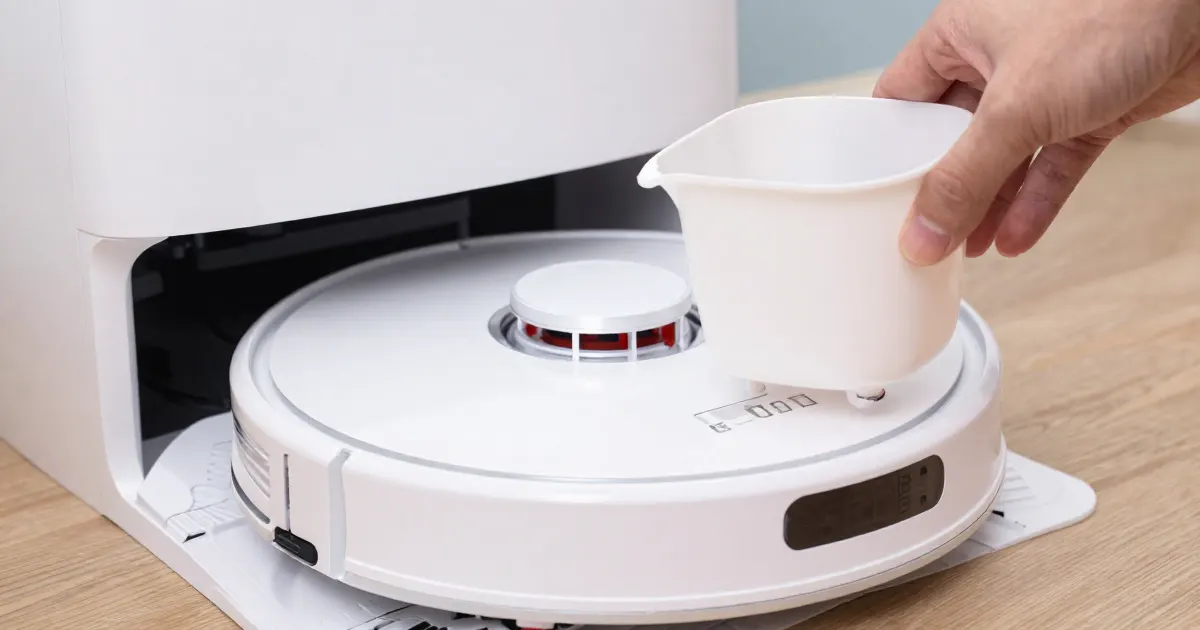
For a bin-not-detected alert, match the message to the model. The sources below cover Roomba 900 series Error 14, Roomba 600, 700 and 800 series Error 1-4, Roborock S7 Error 9, the eufy Auto-Empty C10 bin-and-filter alert, and LG’s dust bin voice message. Read the exact message on your robot or in its app, then use the matching section.
Identify which message you are seeing
For Roomba 900 series Error 14 and Roomba 600, 700 and 800 series Error 1-4, iRobot’s article describes a bin-detection alert. Read the exact message as well as the indicator lights.
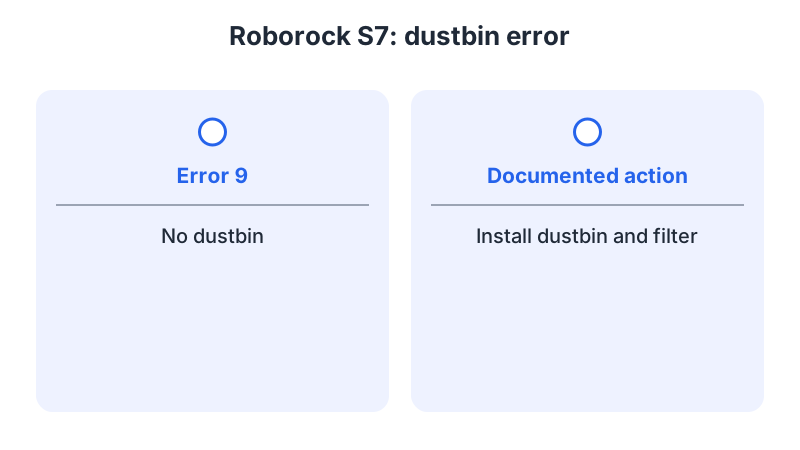
The Roborock S7 manual lists the message “Error 9: No dustbin. Install dustbin and filter.” eufy’s Auto-Empty C10 article covers an audible alert to insert the dustbin and filter. LG’s help page covers a voice message asking you to check the dust bin.
A dock that does not empty the bin is a separate case. Some station alarms refer to the dust bag inside the dock, not to the robot’s own bin. The robot vacuum not emptying guide covers those dock-side checks.
What changes by model
Each brand names the bin, the filter and the detection part differently. The table lists what each cited page says, with the model it covers.
| Brand and model | Message on the page | Documented checks | Source |
|---|---|---|---|
| iRobot Roomba 600, 700, 800 and 900 series | Error 14 or 1-4: the robot is not detecting an installed bin | Confirm the bin is installed properly, then wipe the bin and robot contacts with lightly dampened melamine foam | iRobot bin not detected article |
| Roborock S7 | Error 9: No dustbin | Install the dustbin and filter, then relocate the robot and restart cleaning | Roborock S7 user manual |
| eufy Auto-Empty C10 (T2292) | Audible alert to insert the dustbin and filter | Insert the dustbin if missing and install the filter into it if missing, then wait for the robot to announce that the dustbin is inserted | eufy C10 article |
| LG robot vacuum (Roboking mentioned; exact model unspecified) | Voice message to check the dust bin | Mount the dust bin with its filter, close the bin cover, and check that the filter cover is assembled inside the bin | LG dust bin voice message page |
iRobot Roomba 600, 700, 800 and 900 series
The article gives Error 14 for the Roomba 900 series and Error 1-4 for the 600, 700 and 800 series. It distinguishes the Wi-Fi-connected 600 and 800 variants: their message refers owners to the iRobot Home app. The other listed messages direct owners to reinstall the bin and press CLEAN.
For these series the article asks you to confirm the bin is installed properly, then wipe the contacts on both the bin and the robot with clean, lightly dampened melamine foam, such as a Magic Eraser. If the message persists, you may need a replacement bin. The page includes contact diagrams for the 600 and 700 series and for the 800 and 900 series, so match the picture to your robot before cleaning.
Roborock S7
The S7 user manual’s error table lists “Error 9: No dustbin. Install dustbin and filter.” The note above the table says that after resolving any of the listed errors, you should relocate the robot and restart cleaning. Because the wording names both parts, check that the dustbin and the filter are both in place before you restart.
As a precaution, if Error 9 returns after both parts are seated, contact Roborock support with the S7 model and the exact message rather than repeating the restart.
eufy Auto-Empty C10
The C10 article, which covers model T2292, describes the audible alert to insert the dustbin and filter. It says that a missing dustbin should be inserted into the robot and a missing filter installed into the dustbin. It names a faulty dustbin magnet or a defective Hall sensor on the robot as possible causes, and it links to eufy’s email contact form for further help. As a precaution, leave the magnet and the Hall sensor alone and contact eufy support if the alert continues.
LG robot vacuum
LG’s help page covers the voice message asking you to check the dust bin. Its steps are to insert a dust bin with its filter and close the cover. A ding may sound when the bin is aligned. If the bin cover is open, close it; if there is no dust bin, insert one. The last step is to check that the filter cover is assembled inside the bin. The page states that it was created for all models, so images or content may differ on your product. Support options listed on the page are 24/7 online chat, a contact page, and a repair scheduling page.
Check seating and contacts
Choose the check for your model. For Roomba 600, 700, 800 and 900 series Error 14 or 1-4, confirm the bin is installed properly and clean the bin contacts as described above. For Roborock S7 Error 9, reinstall the dustbin and filter. For the eufy Auto-Empty C10, follow its bin and filter checks. For LG, use the bin and cover instructions where they match your product.
If the robot also reports a dirty sensor or cliff-sensor message, a separate set of steps applies, and the robot vacuum sensor error guide covers those. For cleaning the robot’s other parts, the how to clean a robot vacuum guide covers brushes, wheels and sensors. To match a number to your model, use the robot vacuum error codes guide.
When to stop and contact the manufacturer
As a precaution, stop retrying if the message returns after the documented steps for your model. iRobot says a replacement bin may be needed; ask its support team to identify the correct part for your exact model. The eufy Auto-Empty C10 article links to its contact form. LG lists chat and contact options.
As a precaution, record the model, the exact message and the steps already tried before you contact support. As a precaution, do not open the robot to reach the detection part yourself.
Frequently asked questions
Why does the robot say the bin is missing when it looks in place? The cited pages point to seating, the bin contacts, or the dust collector and filter, depending on the model. For the eufy C10, the article also names a dustbin magnet or Hall sensor as possible causes. Use the documented check for your exact model and message.
Which Roomba models use Error 14 or 1-4 in the cited article? iRobot lists Error 14 for the 900 series and Error 1-4 for the 600, 700 and 800 series. Use the message and procedure for your exact model.
Not sure which guide fits? Use the symptom checker
Checked against
Models checked: iRobot Roomba 600, 700, 800 and 900 series, bin not detected (UK support article 8966); Roborock S7 user manual, Error 9 in the error table; eufy Auto-Empty C10 (T2292), Please insert dustbin and filter error article; LG robot vacuum, Check the dust bin voice message help page. These are document checks, not hands-on tests.
- iRobot: Bin not detected, Error 14 or 1-4 (UK support article 8966) (support; accessed )
- Roborock S7 Robotic Vacuum Cleaner User Manual (manual; accessed )
- eufy: What should I do if my Auto Empty C10 triggers an audible Please insert dustbin and filter error (support; accessed )
- LG: Robot vacuum troubleshooting, the check the dust bin voice message (support; accessed )