Robot Vacuum Not Picking Up? Check Brush, Bin and Filter
Short answer
Record whether brushes turn and whether debris reaches the bin. As a precaution, switch off before inspecting the dust path. Identify the filter before cleaning it: some Roomba filters must stay dry, while the Roborock S7 uses a documented washable filter.
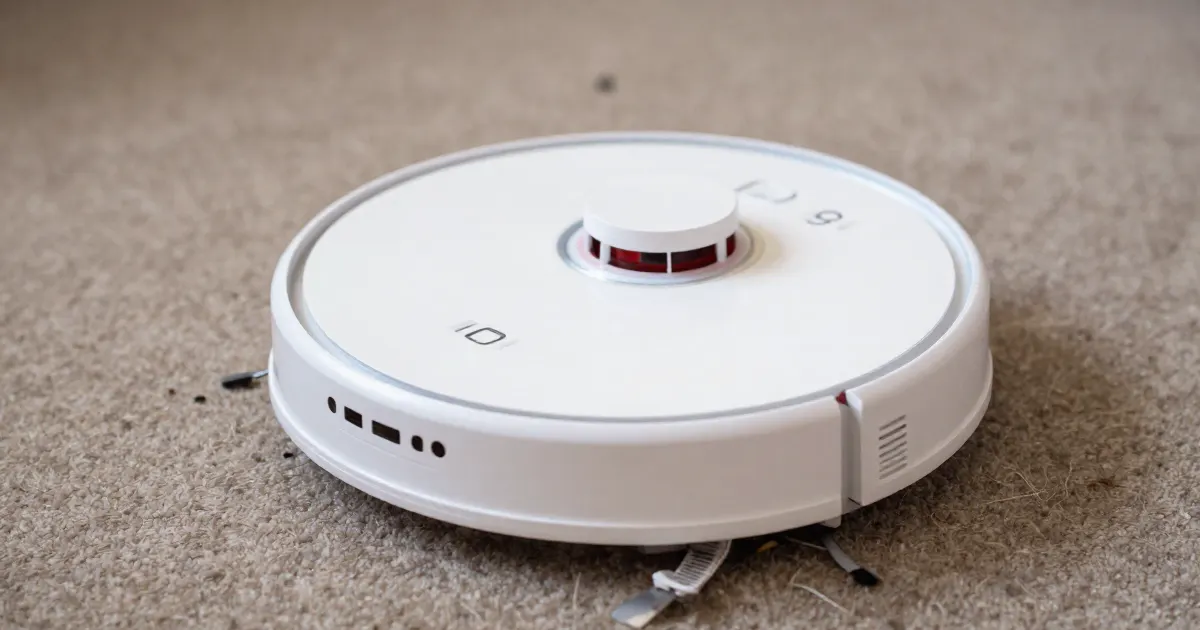
Checks to choose for your model
For poor pickup on the Roborock S7, the manual identifies a full dustbin, a blocked filter or a jammed main brush. ECOVACS FAQ 402 also describes cleaning the dust path and adjusting suction for small particles left behind. Choose the checks documented for your model; the list below is this guide’s reading order. Record any error text before restarting.
- The dust bin. As a precaution, empty the bin and confirm it is fully seated before testing. The Roborock S7 manual describes removing the dustbin, filling it with clean water, shaking it gently and pouring out the dirty water.
- A clogged or wet filter. The Roborock S7 error list includes the message “Filter blocked or wet. Clean, dry, and retry.” iRobot says its Roomba e, i and j series filters are not designed to be washed or to come in contact with liquid, so the cleaning method depends on the model.
- A tangled main brush. The Roborock S7 manual describes unlocking the main brush caps, removing debris wrapped around the brush and locking the caps again.
- An entangled side brush. The Roborock S7 manual says to unscrew the side brush, remove any entangled dirt and screw it back in place.
- Suction setting. Ecovacs’ US guidance says to clean the dust collection port, dust bin and filters before use, then set suction to Max or Max+ in the ECOVACS HOME app.
- Poor pickup after the documented checks. Contact support with the model, the exact error text and the checks you have already made. As a precaution, do not open the motor housing.
Observe pickup before naming a failed part
A robot can drive normally while leaving debris behind. Note whether it misses fine dust, larger particles or only one edge, and whether the main brush turns during a normal job. As a precaution, keep hands away from moving brushes and never reach under a running robot. This guide suggests recording these observations for support before choosing a replacement part.
Check the dust path with the robot off
- As a precaution, switch the robot off before you touch the bin, brushes or filter.
- Empty the bin and inspect its opening. As a precaution, avoid pushing debris deeper with a wire or a sharp tool.
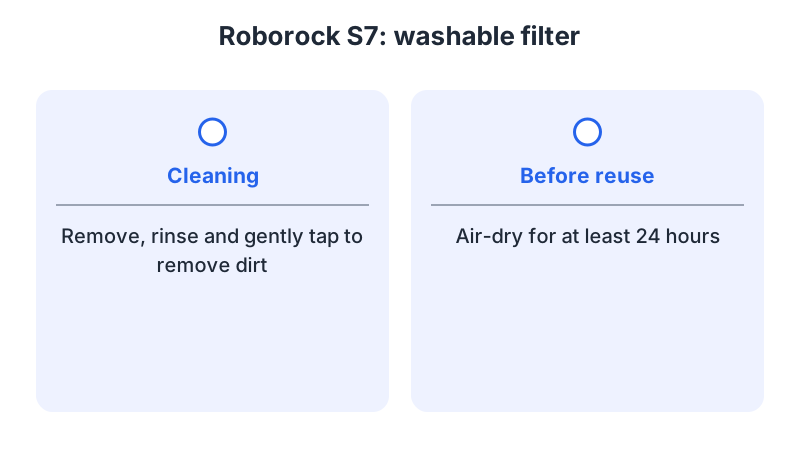
- Clean the filter by the instructions for your exact model. For iRobot’s e, i and j series and Combo 10 Max, the filter must not be washed or touch liquid. For the Roborock S7, the washable filter is rinsed, gently tapped to remove dirt and air-dried for at least 24 hours.
- Use your model’s brush-removal procedure to clear hair and debris. For a brush that remains stopped, see the brush not spinning guide.
- As a precaution, refit the bin, filter, brushes and covers completely before testing. As a precaution, do not run the robot with a damp filter fitted.
Evaluate the result without creating a fault
Run a short normal job on a suitable surface after reassembly. As a precaution, do not block the intake or feed large debris to test suction. Note whether the original debris is now collected and whether the error returns.
If pickup stays poor, the cause may lie outside the bin and filter. Contact support with the model, the floor type, the condition of the bin and filter and how the brushes behaved during the job. Repeatedly washing a filter that the manual does not allow to be washed is not a fix.
What changes by model
The table separates model-specific maintenance instructions from troubleshooting for poor pickup. Follow the entry that matches your robot and the controls available in its app.
| Brand and model | What the maker says | Source |
|---|---|---|
| iRobot Roomba e, i and j series; Combo 10 Max | Filters are not designed to be washed or to come in contact with liquid. | iRobot bin and filter care |
| iRobot Roomba e, i and j series; Combo 10 Max | The bin is rinsed by hand with warm water, must dry completely and is not dishwasher safe. | iRobot bin and filter care |
| Roborock S7 | The washable filter is rinsed, gently tapped and air-dried for at least 24 hours before reuse. | Roborock S7 manual |
| Roborock S7 | The main brush caps are unlocked to remove debris wrapped around the brush. | Roborock S7 manual |
| Roborock S7 | The side brush is unscrewed, entangled dirt is removed, and the brush is screwed back in place. | Roborock S7 manual |
| Roborock S7 | The dustbin is rinsed with fresh water only, without cleaning liquid, to prevent blockage. | Roborock S7 manual |
| ECOVACS robot (FAQ 402; model unspecified) | Clean the dust collection port, dust bin and filters, then set suction to Max or Max+ in ECOVACS HOME. | Ecovacs support (US) |
iRobot Roomba e, i and j series and Combo 10 Max
iRobot’s bin and filter care article covers the Roomba e, i and j series and the Combo 10 Max in one document. It says the filters are not designed to be washed or to come in contact with liquid, and that the bin is rinsed by hand with warm water, must dry completely and is not dishwasher safe. These are maintenance instructions for the listed models. As a precaution, follow them when checking the filter during a poor-pickup investigation. Confirm your exact model before you replace a filter: iRobot lists e, i and j series compatibility on its High-Efficiency Filter 3-pack page (part 4639161). If the roller stays still rather than picking up debris, see the brush not spinning guide.
Roborock S7
The Roborock S7 manual covers the washable filter, the main brush, the side brush and the dustbin. The filter is removed, rinsed, gently tapped to remove dirt, and air-dried for at least 24 hours before reuse. The manual’s error list includes “Filter blocked or wet. Clean, dry, and retry.” For the dustbin, it describes filling the bin with clean water, shaking it gently and pouring out the dirty water, and it advises using only fresh water without cleaning liquid to prevent blockage. Roborock sells a washable filter pack listed for the S7 series. If the bin is the issue, see the dustbin error guide.
ECOVACS: small particles left behind
ECOVACS FAQ 402 addresses small particles left behind during cleaning. Its checks cover the main brush and cover, the dust collection port, bin and filters, and the suction setting in ECOVACS HOME. If the bin or filters have been rinsed, let them air-dry before use. Use Max or Max+ only if your model’s app offers the setting, and follow its manual for filter care.
For areas the robot does not reach, rather than dirt left behind after a pass, see the missing spots guide.
Frequently asked questions
Can I wash a robot vacuum filter?
Only when your model’s manual allows it. iRobot says its Roomba e, i and j series and Combo 10 Max filters are not designed to be washed. The Roborock S7’s washable filter is rinsed, gently tapped and air-dried for at least 24 hours.
Should I reinstall a damp filter?
As a precaution, do not reinstall a damp filter. The Roborock S7 manual requires thorough drying before reinstallation.
What if pickup is still poor after the bin, filter and brush are clean?
ECOVACS FAQ 402 includes a suction-setting check in ECOVACS HOME. Use Max or Max+ only if the setting is available for your model. If the problem remains, note any error text and use the error codes guide to match it. For dirty wet trails rather than dry pickup, see the mop streaks guide.
Not sure which guide fits? Use the symptom checker
Checked against
Models checked: Roomba e/i/j and Combo 10 Max; Roborock S7; ECOVACS robot (FAQ 402; no model specified). These are document checks, not hands-on tests.
- iRobot e/i/j and Combo 10 Max bin and filter care (support; accessed )
- Roborock S7 manual (manual; accessed )
- The robot didn't vacuum small particles when cleaning (Ecovacs US) (support; accessed )
- iRobot High-Efficiency Filter 3-pack 4639161 (article; accessed )
- Roborock Washable Filter (x2), S7 compatible (article; accessed )